
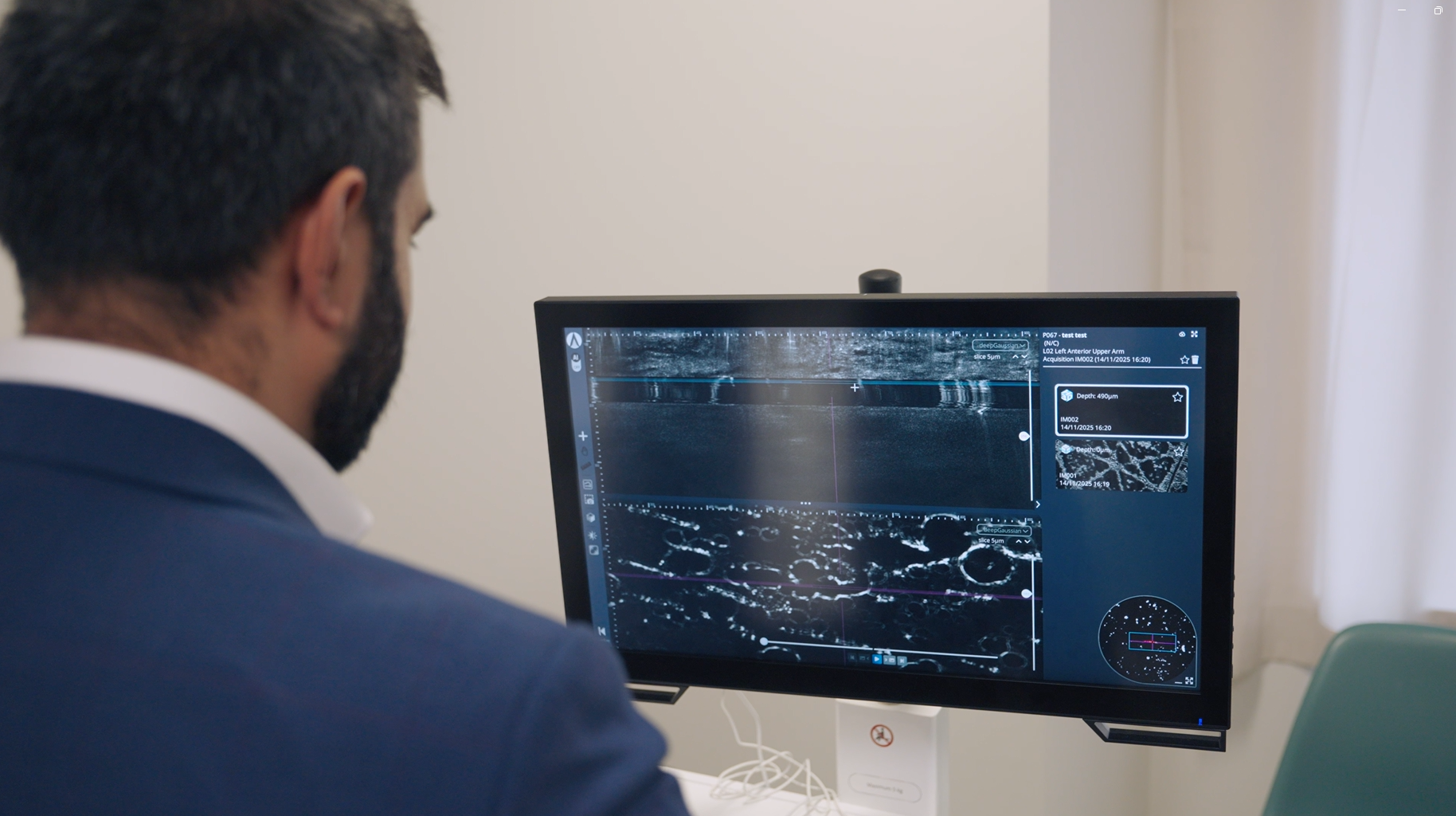
See the supporting features Make your own assesment
sKINGUIDE+ inSight
Everything in Measure, with AI decision support for clinician review.
More than a category
Information you can inspect
INSIDE INSIGHT
Choose an output to see where it appears in the prototype report and how it supports review.
A CONNECTED WORKFLOW
From capture to considered review
Link the smartphone to the case, capture the image, and check its quality. Insight adds AI analysis for suitable images to the measurements already available in Measure.
The clinician reviews the output in context before recording their own assessment.
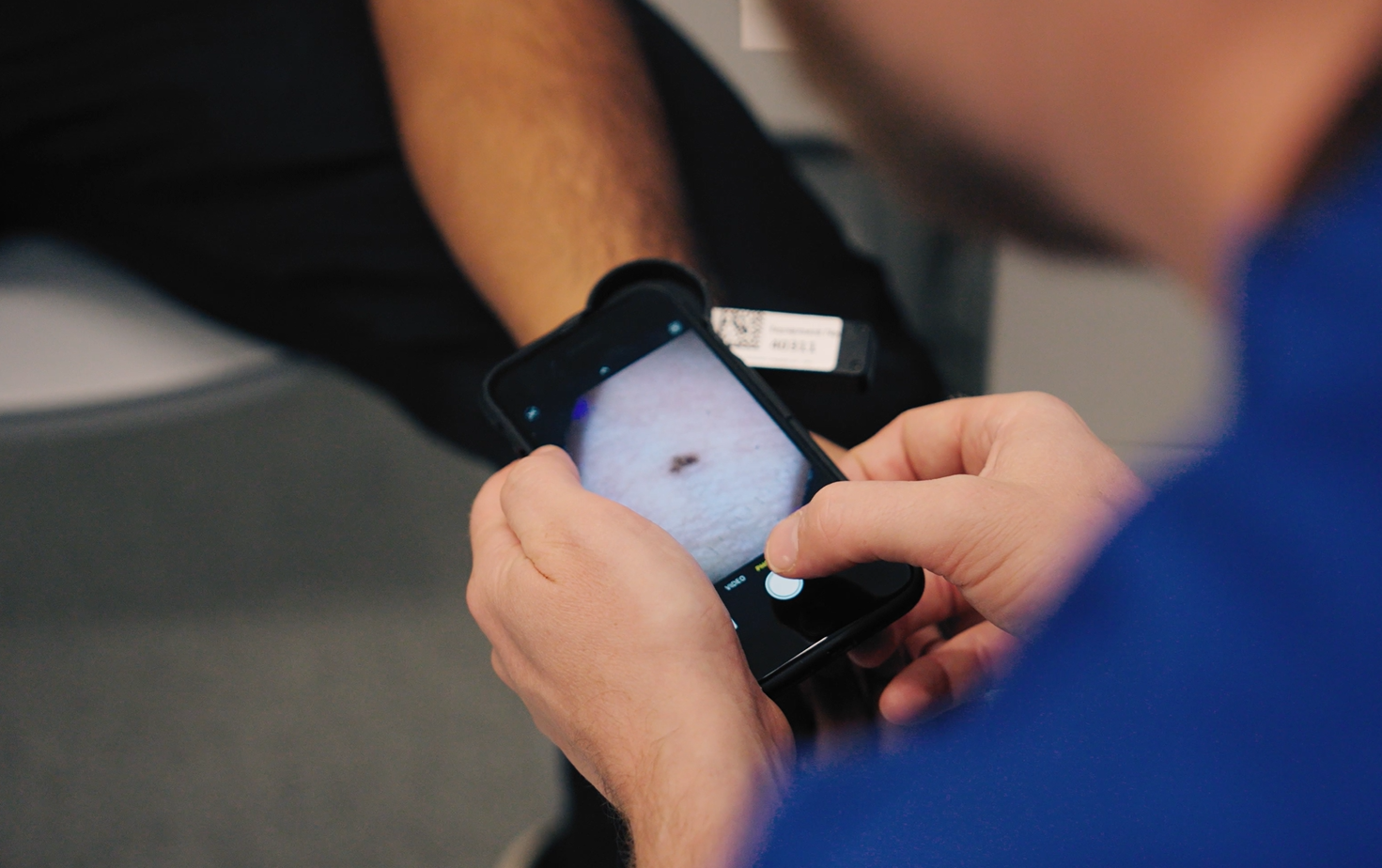
01 / CHECK
Confirm suitability
Check image quality and suitability for AI analysis. If an image is unsuitable, you may need to recapture it or exclude it from analysis.
02 / REVIEW
Inspect the support
Review the category, feature cues, uncertainty, and suggested next action.
03 / RECORD
Make your assessment
Record the clinician’s diagnosis and management decision, then review and approve the report.
CLINICAL JUDGEMENT STAYS WITH YOU
Two assessments Clear responsibility
AI assessment
Model-generated category, supporting features, uncertainty, and suggested next action.
Clinician assessment
Your diagnosis, management decision, and approval of the final report.
THE PRODUCT IN DEVELOPMENT
A working prototype A clear next step
SkinGuide+ is being developed for evaluation in primary care. Prospective clinical evaluation and EMIS integration remain development priorities.
-
AI decision support, including model category, supporting visual features, uncertainty, and a suggested next action, within the shared capture and reporting workflow.
-
No. The clinician records their diagnosis and management decision separately and approves the report.
-
No. Similar confirmed cases are an optional supporting feature.